Hostesses and check-in queues
Hostesses and other entrance staff access the app without their own account. All they need is the event's secret link and the queue PIN.
Setup (event owner)
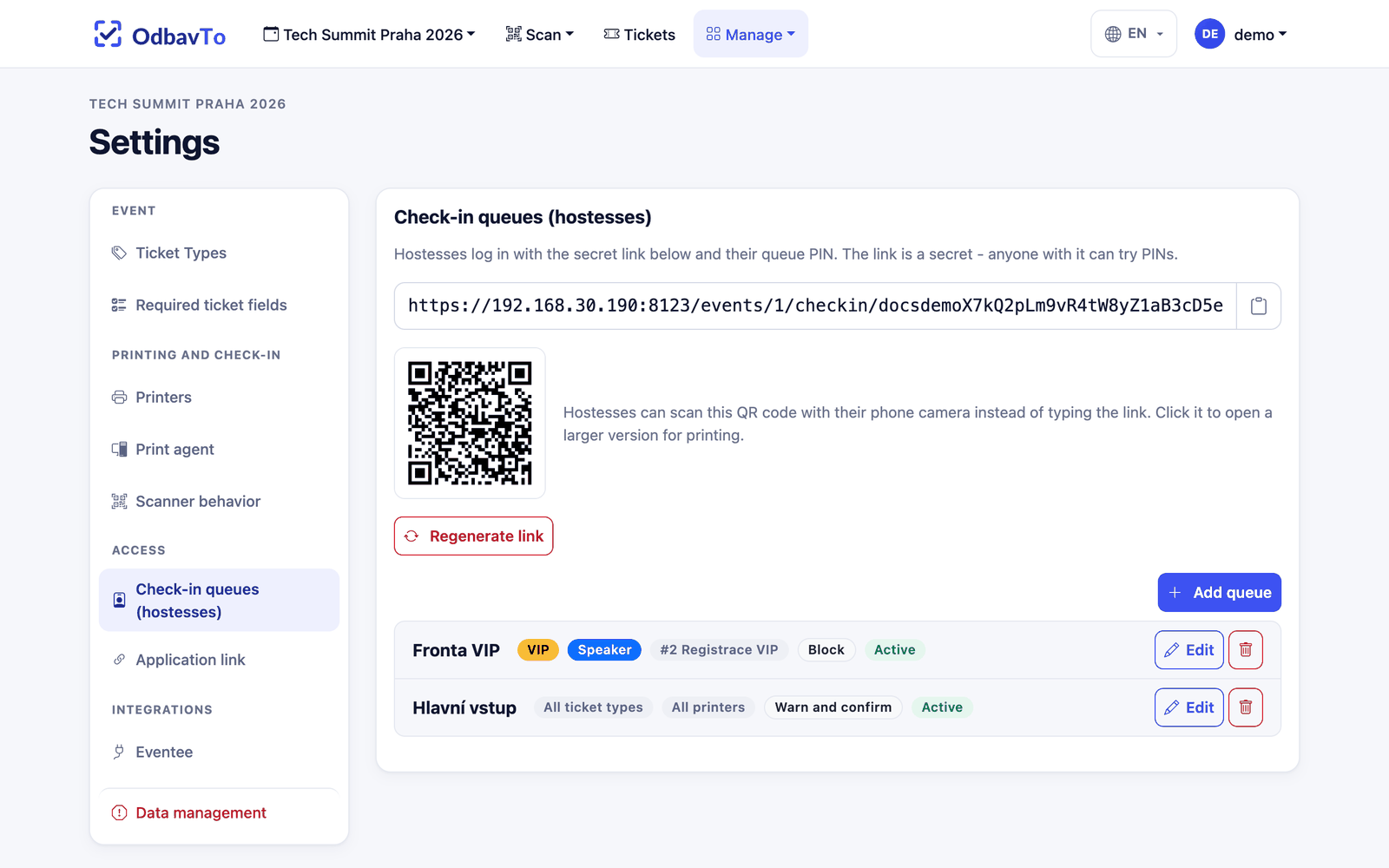
- Open Settings → Access → Check-in queues (hostesses).
- Click Generate access link.
- Click Add queue and create at least one queue (e.g. "Speakers", "Anna") with a 6-digit PIN.
- Send the link to the hostesses (or show or print the QR code next to the link) and give each of them their PIN.
The link does not work without an active queue
Until there is at least one active queue, a hostess opening the link sees a message that check-in is not open yet. Settings warns about this with a yellow notice.
What a queue controls
Ticket types: a queue can check in all types or only selected ones (empty selection = all). When a ticket of another type is scanned, the queue behaves according to its mode:
| Mode | Behavior |
|---|---|
| Warn and confirm (default) | The hostess sees a warning. After confirming, the ticket is checked in and the badge printed. Useful when the guest has already waited in line. |
| Block | A ticket of another type cannot be checked in in this queue. |
Printers: with no selection, the queue may print on all printers of the event. With one printer selected the queue is locked to it, with several the hostess chooses among them.
Active / inactive: you can turn a queue off without deleting it. Its history in the log is kept.
Hostesses see all tickets
Type restrictions apply only to check-in and printing. In the list and search, a hostess sees all tickets of the event, so they can tell the guest is in the wrong queue and send them elsewhere.
Hostess login
- The hostess opens the link (or scans the QR code).
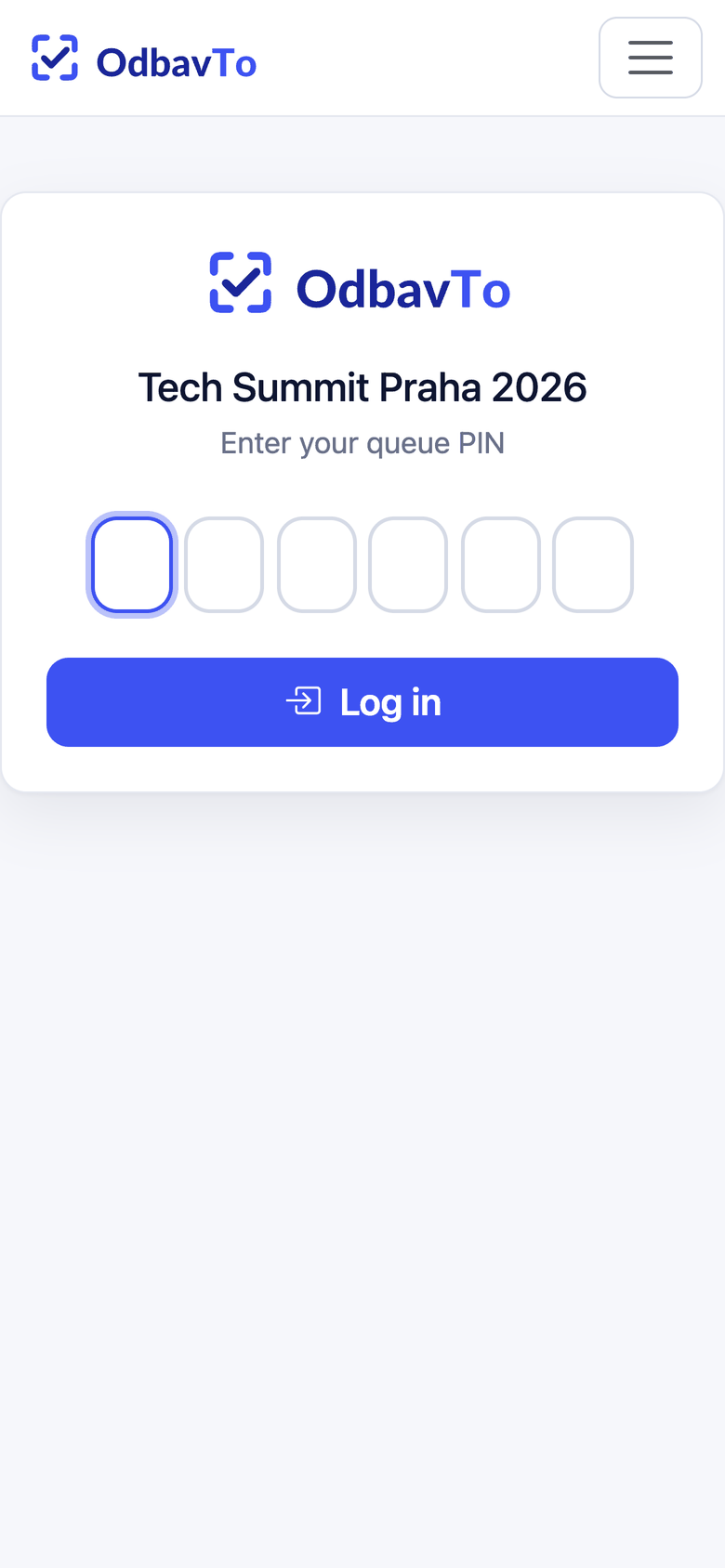
- They enter the 6-digit PIN of their queue. After the last digit they are logged in automatically.
- The login is valid for 24 hours.
What a hostess can do
| Area | Event owner | Hostess |
|---|---|---|
| Scanner and check-in | ✅ | ✅ allowed types and printers only |
| Ticket list, search, detail | ✅ | ✅ |
| Create ticket | ✅ | ✅ |
| Edit ticket | ✅ | ✅ personal data only |
| Special labels | ✅ | ✅ allowed printers only |
| Delete, export, bulk print, import | ✅ | ❌ |
| Logs, settings, kiosk | ✅ | ❌ |
Everything a hostess does is recorded in the log under the name of their queue.
Security
- The link is a secret. Anyone with the link can try PINs. After 20 failed attempts within 15 minutes, login for the event is locked for 15 minutes.
- If the link leaks, use Regenerate link. The old link stops working and all hostesses are logged out immediately.
- Deactivating or deleting a queue logs out the hostesses of that queue.
- Run the app over HTTPS only.