Event settings and log
Settings
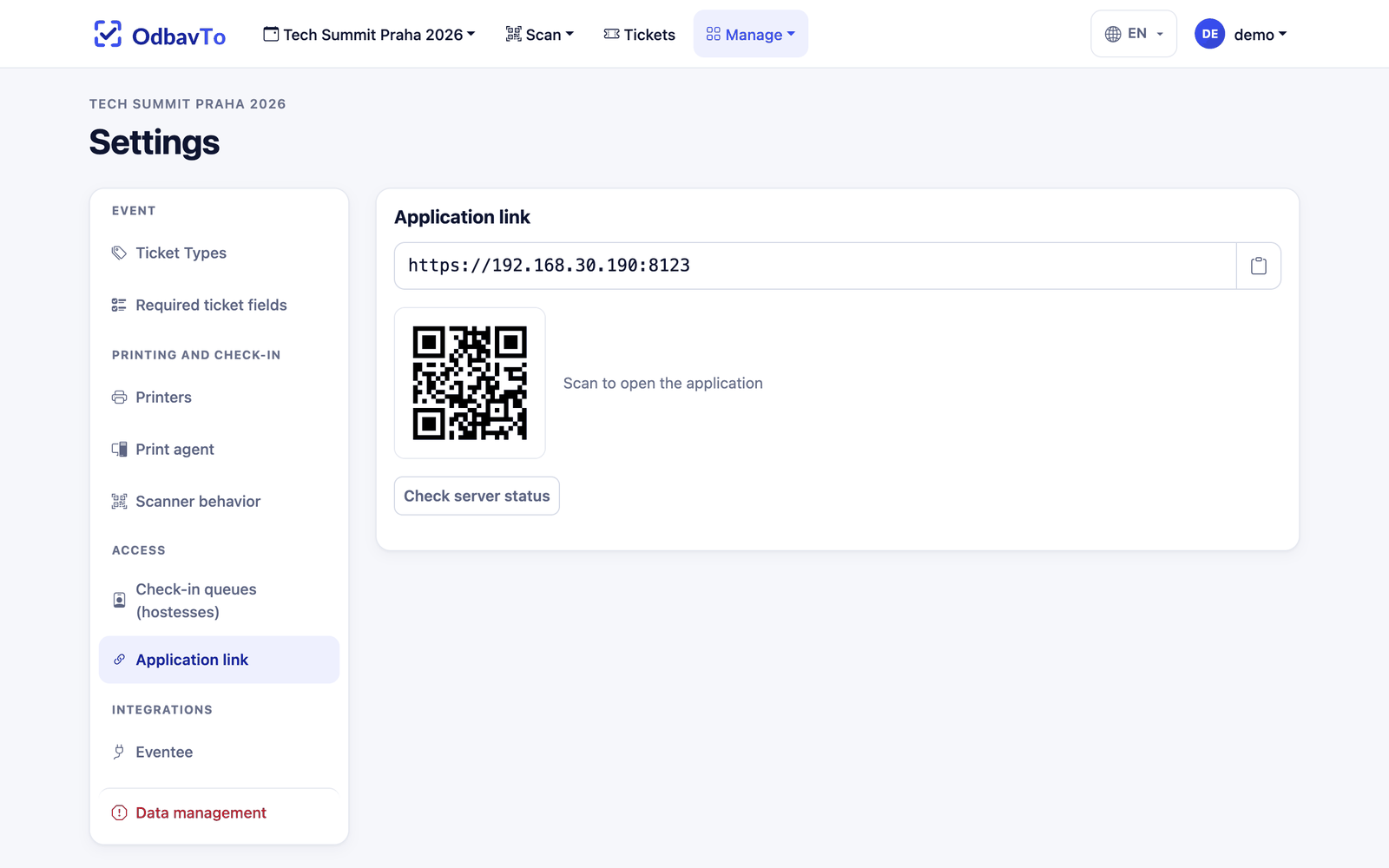
Manage → Settings is split into panels with navigation on the left:
| Panel | What you find there |
|---|---|
| Event | Ticket types, required ticket fields. |
| Printing and check-in | Printers (WebUSB pairing, label editor), print agent token, scanner behavior. |
| Access | Check-in queues for hostesses, application link (local IP address and QR code for opening on a phone). |
| Integrations | Eventee API token and connection check. |
| Data management | Deleting tickets or resetting check-ins. |
Data management
Deleting cannot be undone. To confirm, you must type DELETE into the field. Export your tickets before deleting.
Log
Manage → Logs records everything that happened in the event: who, when and what. Entries can be filtered by type and by user or queue.
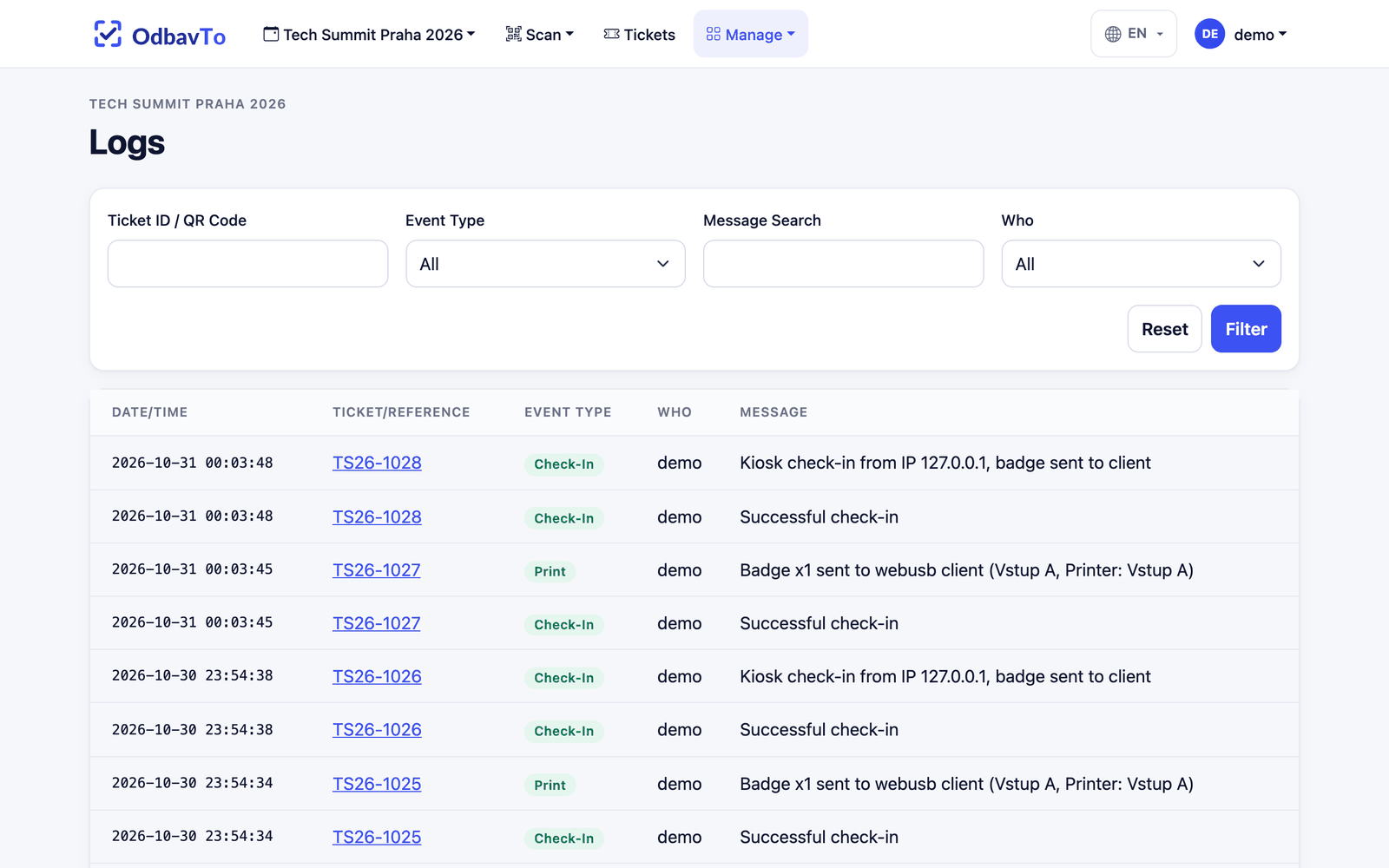
| Type | Color | When it is created |
|---|---|---|
| Check-in | green | Attendee checked in |
| Print / Bulk print | green | Label printed successfully |
| Create | blue | New ticket |
| Update | light blue | Ticket changed (including what changed) |
| Delete | red | Deletion |
| Import | yellow | File import |
| Error | red | Print failures and other errors |
| System | gray | System operations |